
Mirage Smokes & Utility Lineups for CS2
Practice Mirage smokes, flashes and utility with interactive map markers for CS2.
CS2Improve kostenlos unterstützen
Wir nutzen Werbung, damit CS2Improve kostenlos bleiben kann. Du kannst externe Werbung in den Datenschutzeinstellungen erlauben.
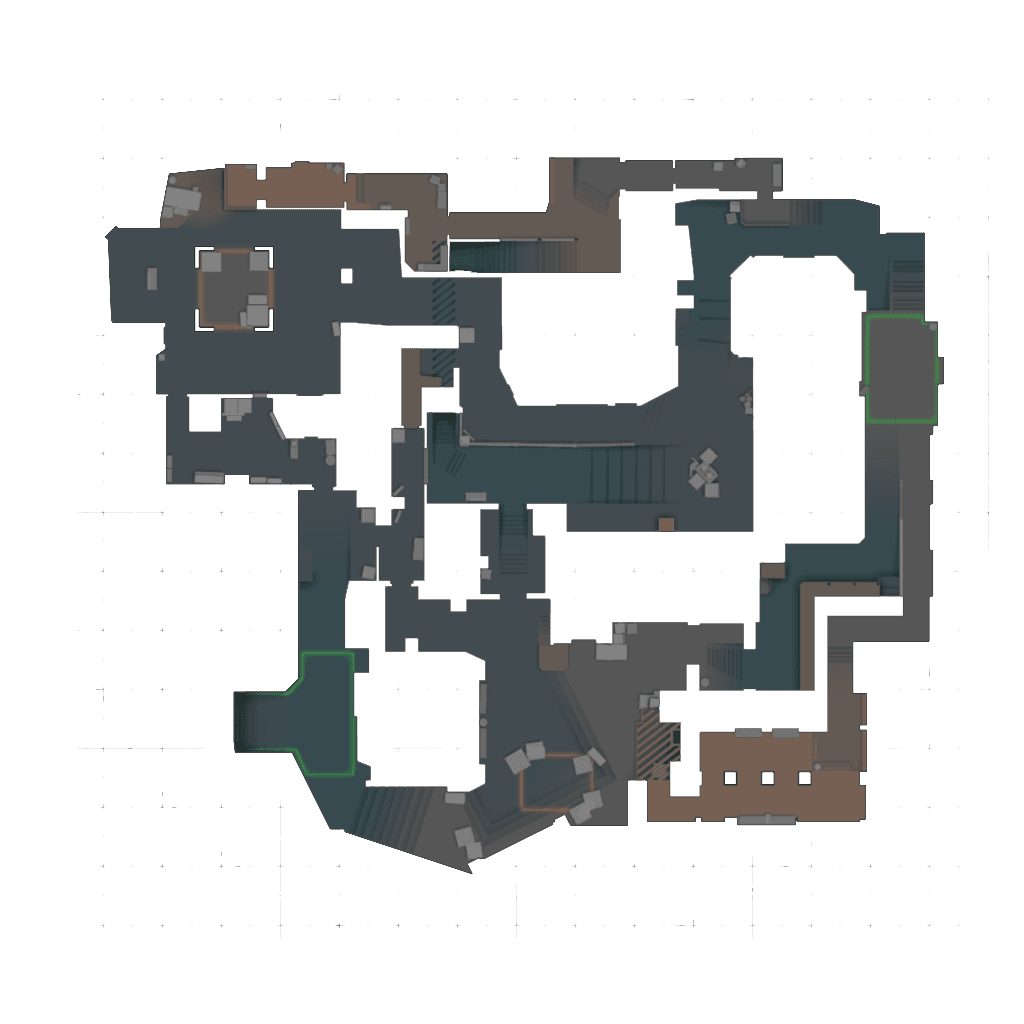
Mirage Utility Guide
Mirage remains one of the most played CS2 maps because it rewards clear spacing, smart mid control and reliable site executes. Learning a few core smokes and flashes can make your rounds feel much more structured, whether you are queueing with friends or trying to build better solo habits. Start with utility that solves common problems: a Window Smoke to fight for mid without taking every duel, a Connector Smoke to split pressure, and Jungle or CT smokes to make A-site executes cleaner.
The interactive markers above help you practice Mirage lineups in a practical way. Open a smoke, flash or molly, watch the lineup video when available, check the standing position, then repeat it until the throw feels consistent. Once the basics are reliable, combine them into simple T-side executes, CT delays and retakes so your utility supports the round instead of being thrown at random.
Best Mirage Smokes to Learn First
The best Mirage smokes to learn first are the ones that appear in many default rounds and executes: Window Smoke, Connector Smoke, Jungle Smoke, CT Smoke and Stairs Smoke. These lineups give your team safer paths into mid and A site while reducing exposed angles.
T-Side Mirage Utility
T-side utility helps take mid control, execute A-site, split B and reduce risky aim duels. Good Mirage smokes and flashes let attackers cross dangerous gaps, isolate defenders and turn a messy push into a repeatable round plan.
CT-Side Mirage Utility
CT utility helps delay pushes, retake sites and control key areas like connector, window and apartments. A well-timed smoke, flash or molly can slow an execute long enough for rotations and make retakes more coordinated.
How to Practice Mirage Smokes
Pick one lineup at a time, watch the lineup video, check the standing position and repeat the throw until it lands consistently. Logged-in players can mark lineups as learned in CS2Improve to track progress as they build a Mirage utility routine.
Mirage Utility FAQ
What Mirage smoke should I learn first in CS2?
Window Smoke is usually one of the most useful first smokes because mid control is important on Mirage.
Are these Mirage lineups for CS2 or CS:GO?
The lineups on CS2Improve are intended for CS2.
Can I track learned Mirage smokes?
Yes, logged-in users can mark lineups as learned and track progress in My Profile.
Does CS2Improve include T-side and CT-side utility?
Yes, lineups can be filtered by utility type and side where available.
