
Interactive CS2 Utility Learning
Master CS2 utility with interactive maps
Learn smokes, flashes and mollies through map markers, short videos and progress tracking.
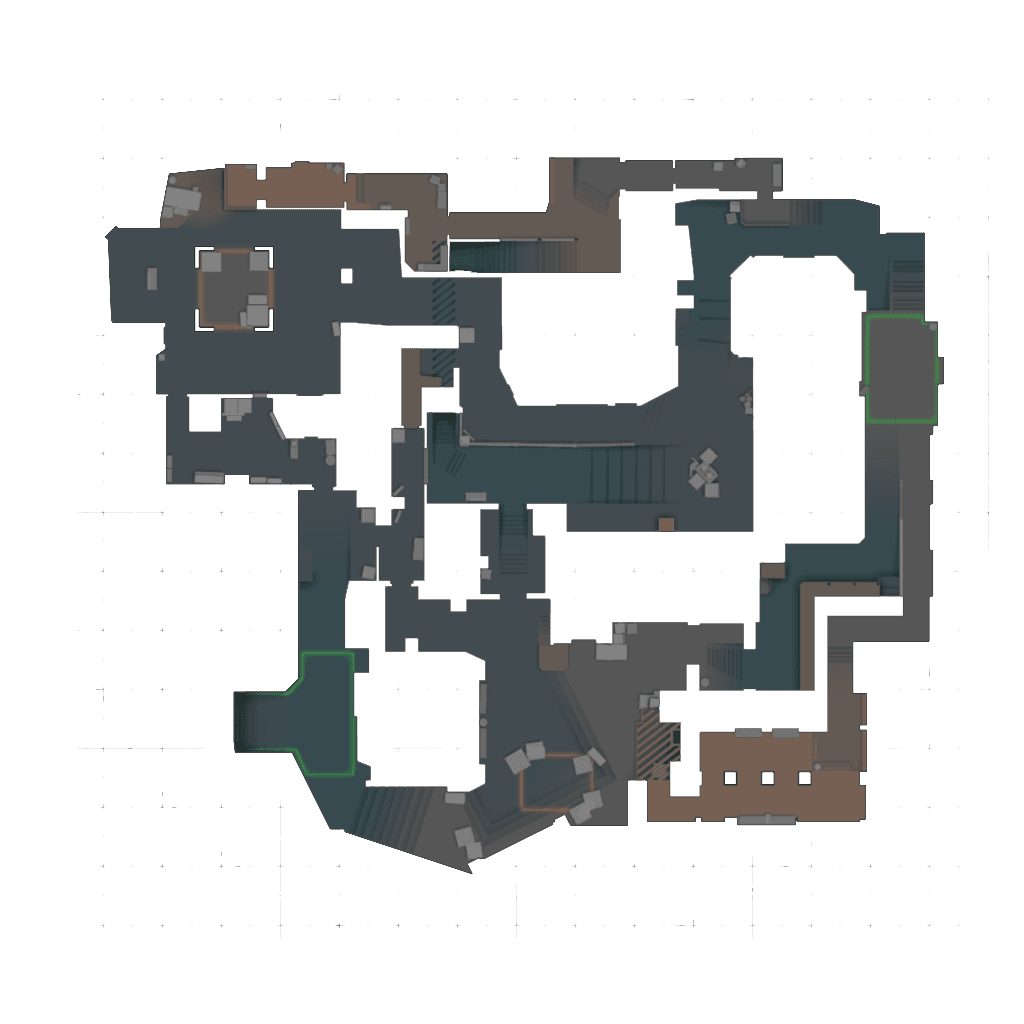
Mirage smoke
A CT smoke
Standing position -> Aim point -> Throw
How it works
How CS2Improve works
1
Choose a map
Open an interactive CS2 utility map.
2
Select a lineup
Pick a smoke, flash or molly marker.
3
Watch and practice
Use the short preview to learn the position, aim point and throw.
4
Track your progress
Mark learned smokes and build your Map Mastery.
CS2Improve kostenlos unterstützen
Wir nutzen Werbung, damit CS2Improve kostenlos bleiben kann. Du kannst externe Werbung in den Datenschutzeinstellungen erlauben.
Explore Interactive Maps
Choose a map and learn useful utility with standing positions, aim points and short videos.
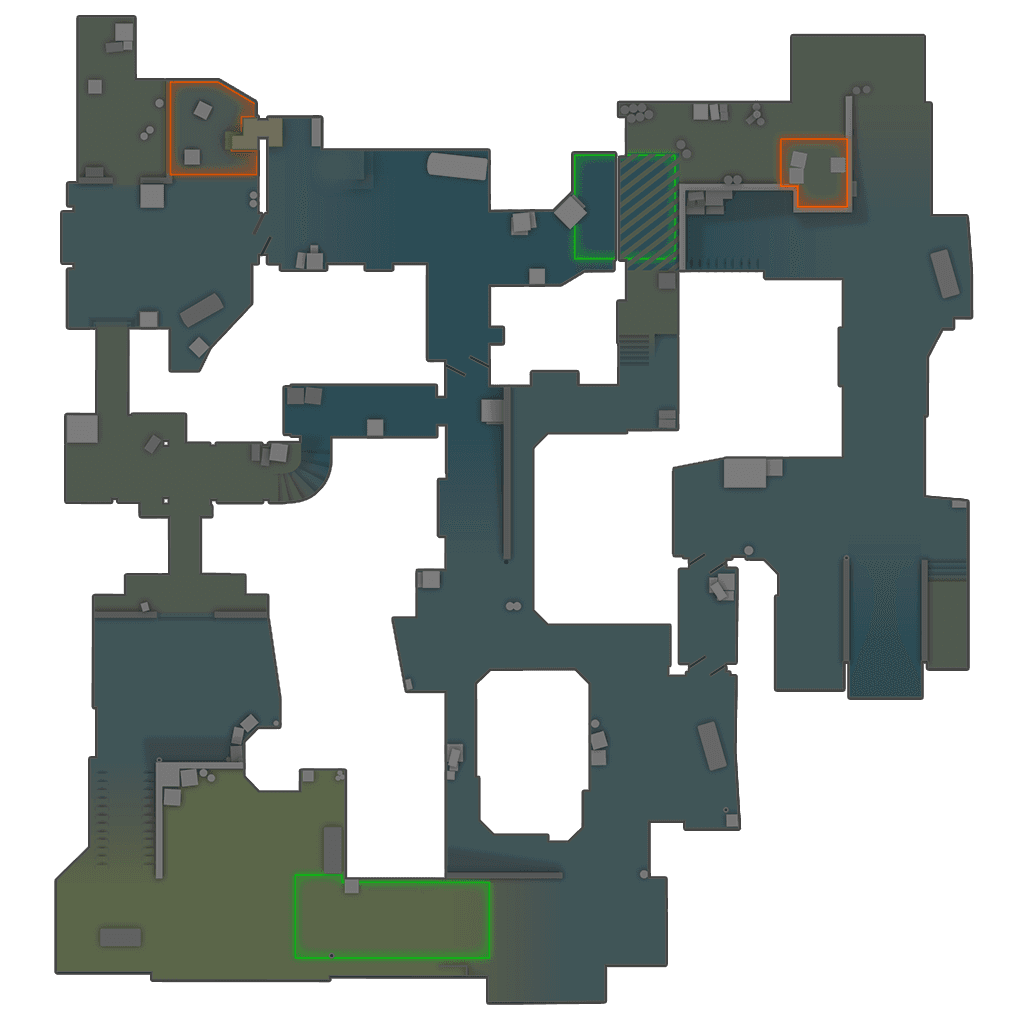
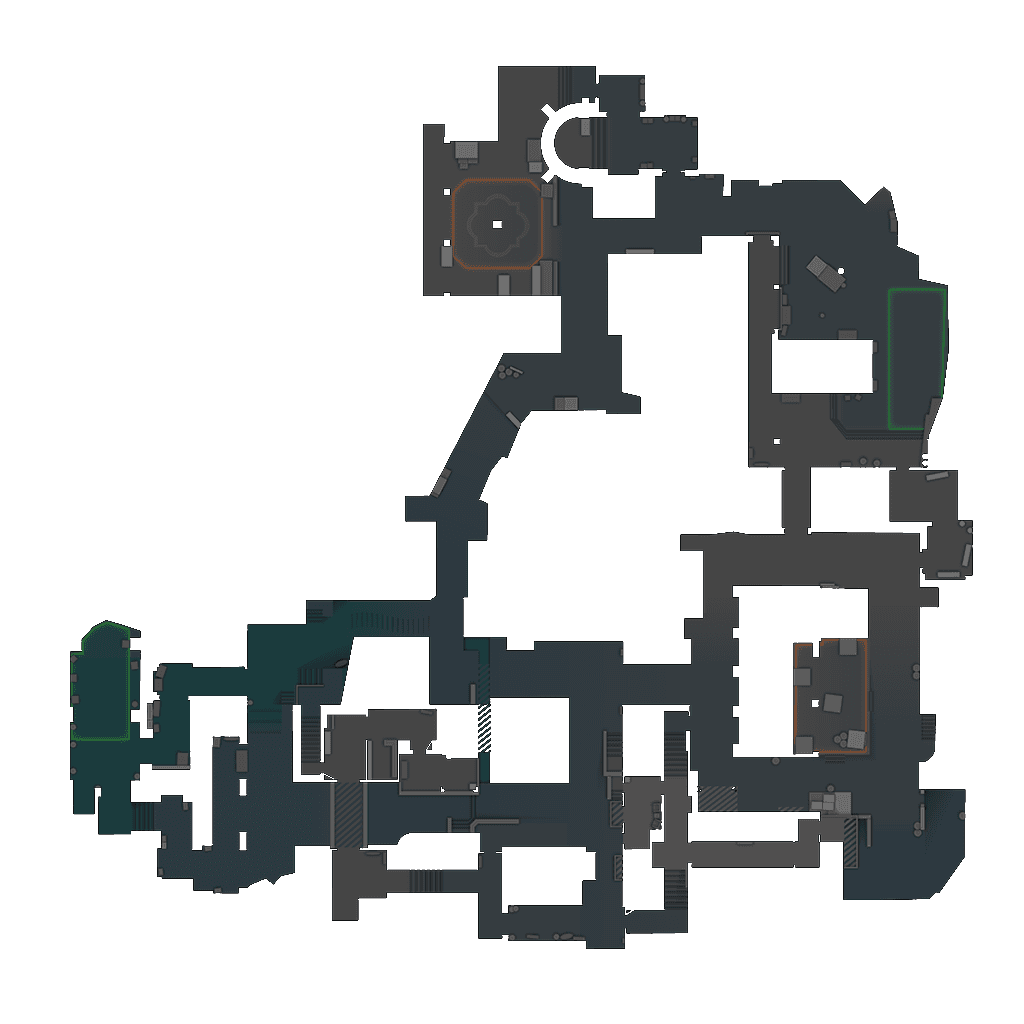
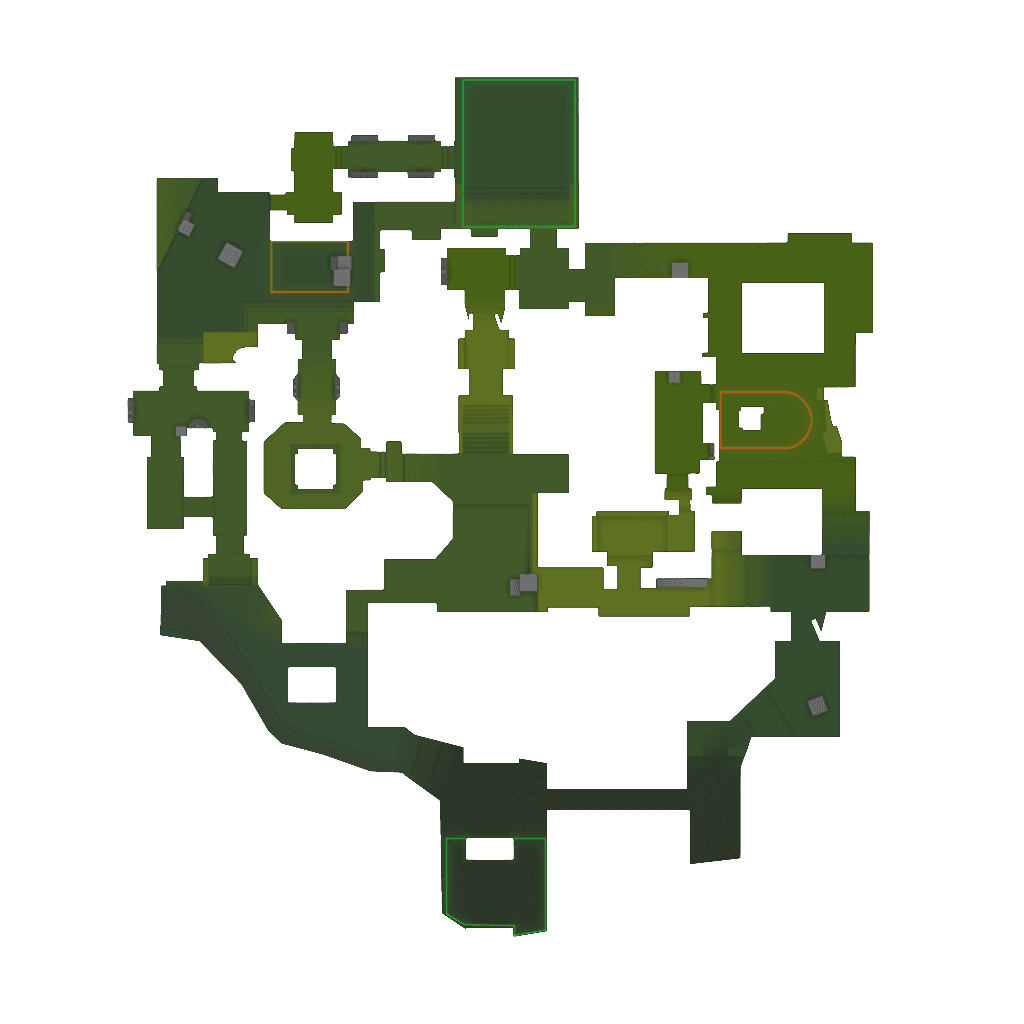
Featured Lineups
My Profile
Track your utility progress
Build Map Mastery, earn XP and see which smoke lineups you should learn next.
Open My ProfileMap Mastery
Utility learning preview
Mirage smokesIn progress
Dust II flashesPractice next
Inferno molliesNew
